


How to Summarize 100-Page PDFs & Research Papers with Claude 5.5, Gemini 4 & DeepSeek (DataEyesAI Guide)
Uploading a 60-page academic paper, a 120-page industry report, or a dense textbook chapter to a standard AI chat often fails in three predictable ways: you hit a context-length error, you get a vague 200-word summary that misses every experimental detail, or the model confuses cited background literature with the author's actual findings.
By connecting to large language models through DataEyesAI—such as Claude Sonnet 5.5 (claude-sonnet-5-5), Gemini 4 Argon (gemini-4-argon), and DeepSeek (deepseek-v3.2-251201)—you can replace passive skimming with a five-step, evidence-based workflow.
Throughout this guide, we follow Jordan, a fictional graduate student reviewing a 60-page research report on clinical decision support systems (sample outputs illustrate the prompt structure and are not logs from a live benchmark test).
Which AI Model Is Best for Long PDFs and Academic Papers?
Choosing the right model on DataEyesAI depends on your document's length, formatting, and budget. Use the structured comparison list below to match your reading task to the right model ID:
l Claude Sonnet 5.5 (Model ID: claude-sonnet-5-5): [Context & Input] Up to 1M-token context window with text and vision understanding; [Best Use Cases] Full-length scientific papers, cross-chapter argument tracking, strict methodological and limitation extraction; [Recommended Role] Primary choice for Step 1 (full-text mapping) and Step 2 (rigorous evidence extraction).
l Gemini 4 Argon (Model ID: gemini-4-argon): [Context & Input] 1M unified context window with native multimodal input (text, images, PDF charts); [Best Use Cases] Chart-heavy industry reports, scanned academic pages, synthesizing multiple long PDFs in a single session; [Recommended Role] Ideal when your PDF includes complex diagrams, charts, or multi-document comparisons.
l DeepSeek V3.2 (Model ID: deepseek-v3.2-251201): [Context & Input] High-efficiency text reasoning and structured output generation; [Best Use Cases] Chapter-by-chapter deep dives, decoding dense technical jargon, generating structured comparison lists and active-recall flashcards; [Recommended Role] Cost-effective workhorse for Step 3 (jargon breakdown) and Step 4 (study notes & flashcards).
Check your DataEyesAI account dashboard to confirm which model IDs are enabled for your plan. To use this workflow, connect any custom-API-compatible chat or document client using your DataEyesAI API key, the base URL https://platform.dataeyes.ai/v1, and the target model ID. Never share your API key in prompts or public screenshots, and strip out confidential company data or personal identifiers before submitting text.
Step 1: How to Handle PDFs That Exceed Context Limits (2-Minute Structural Map)
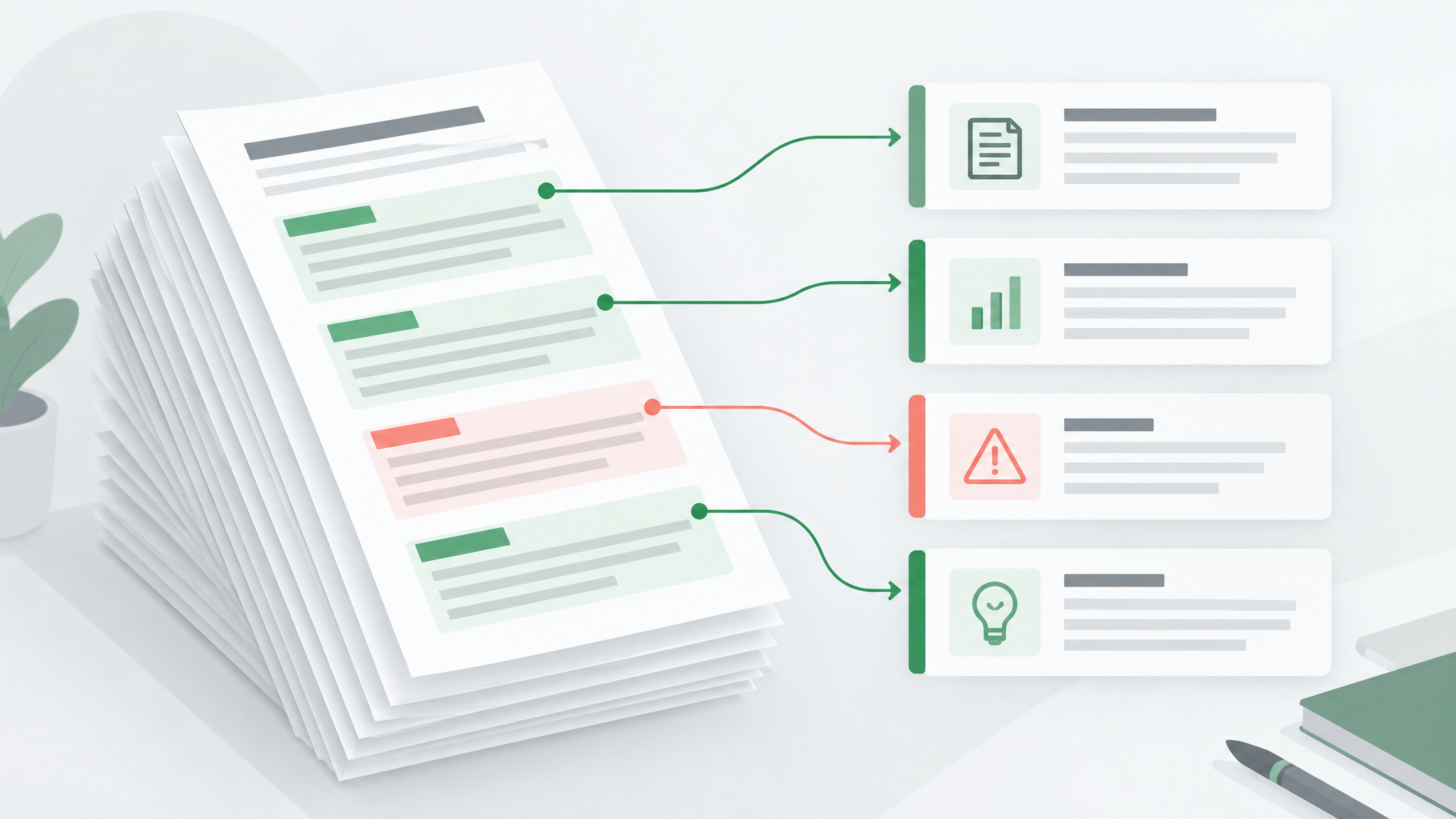
When a document is too long—or when you want to avoid generic summaries—start by sending only the Table of Contents, Abstract, Introduction, and Conclusion (or the full text if using a 1M-context model). Ask the model to build a structural reading map before summarizing anything.
Copy This Prompt (Step 1: Structural Map & 10-Minute Reading Triage)
Read the document material below and map its overall structure before writing any summary. Organize your response into these 4 parts using only facts stated in the text (do not guess missing details):1. Core Research Question: What specific problem is the author trying to solve? Cite the exact section.
2. Section-by-Section Role: List each chapter or section in order and explain its function in the overall argument in 1–2 sentences.3. Key Conclusions: List the 3–5 main conclusions. Explicitly separate findings backed by empirical data/experiments from the author's projections or opinions.
4. 10-Minute Triage Plan: If I only have 10 minutes, which two sections merit a close read, and which background sections can I skim?
Document material: [Paste Table of Contents, Abstract, Introduction, and Conclusion—or full text]
In Jordan's 60-page healthcare report, Step 1 reveals that the first 15 pages merely recap well-known demographic trends, whereas the primary clinical trial data lives in Sections 3 and 5. Jordan immediately saves 30 minutes by jumping straight to Section 3.
Step 2: Extract Claims, Evidence, and Limitations from Core Chapters
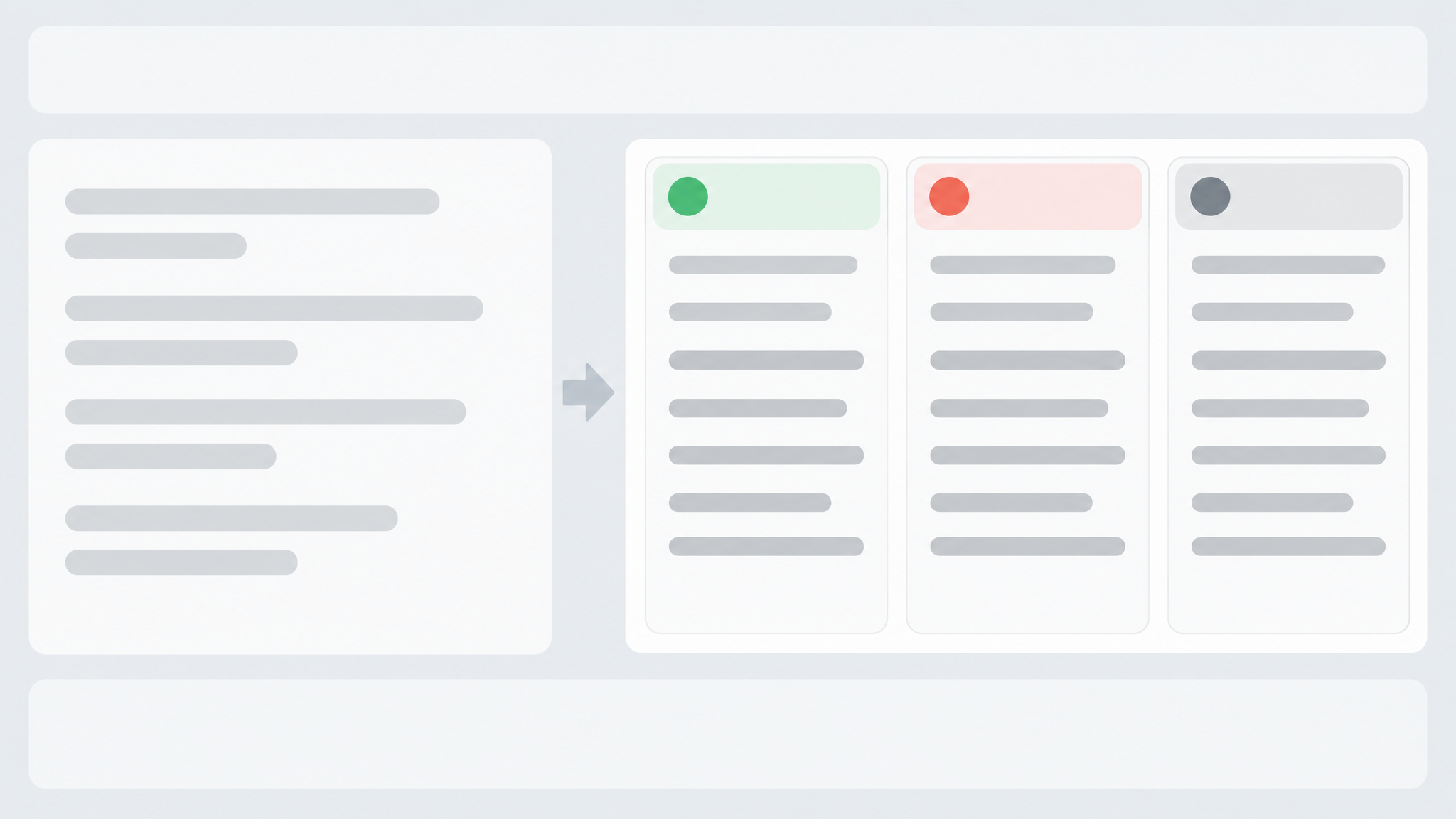
Next, feed the priority chapters into the model. To prevent the AI from blending cited background papers with the author's own results—or exaggerating modest correlations—use a strict four-field extraction prompt.
Copy This Prompt (Step 2: Claim–Evidence–Limitation Extraction)
Analyze the section below in detail. If the source text is in a foreign language, explain it in clear English while keeping key original technical terms in parentheses on first mention. Break down each major point strictly into these four fields using only the provided text:- Core Claim: What specific finding or argument is presented here?
- Evidence & Method: What sample size (n=?), experimental setup, dataset, or case study supports this claim? Preserve exact numbers and conditions.- Source Attribution: State clearly whether this is the author's own primary finding or a background point cited from earlier literature (include cited author and year).
- Stated Limitations: What constraints, edge cases, or unverified conditions does the text mention? If none are stated, write "Not mentioned in the text."
Section text: [Paste the target chapter or section]
Example Extraction (Fictional Illustration: Generic Summary vs. 4-Field Extraction)
[Generic AI Summary (Weak)]: The report shows that AI clinical decision systems greatly improve hospital efficiency, reduce diagnostic errors, and are widely welcomed by doctors.
[Structured 4-Field Extraction (Verifiable)]:
- Core Claim: Introducing the Clinical Decision Support System (CDSS) reduced routine intake documentation time in primary care clinics, though complex diagnoses still required senior physician review.
- Evidence & Method: Based on a 6-month tracking study across 12 community clinics in Section 3.2 (n = 1,420 patient visits), average charting time dropped from 14 minutes to 9.5 minutes. No statistically significant reduction in diagnostic error rates was reported.
- Source Attribution: Empirical finding by the report's authors (baseline comparison cites Smith et al., 2024).
- Stated Limitations: Section 3.4 notes that the sample covered only routine chronic-disease follow-ups and excluded emergency or rare-disease departments.
Step 3: Decode Dense Academic Jargon and Equations
When a paragraph is packed with domain-specific acronyms, nested clauses, or methodological formulas, isolate that passage in the same chat thread and ask for a three-layered explanation.
Copy This Prompt (Step 3: 3-Layer Jargon & Passage Decoder)
I'm having trouble following the passage below. Using the context of the document we've discussed, explain it in three layers:
1. Sentence-by-Sentence Breakdown: Restate the passage in clear, precise language, defining every technical term or acronym as it is used in this document.2. Everyday Analogy: Give a simple, concrete analogy to help me grasp how the mechanism works (label this clearly as "Analogy for understanding—not in the original text").
3. Role in the Argument: Why did the author include this paragraph here? Is it setting up a method, addressing a reviewer objection, or explaining an anomaly?
Passage: [Paste the confusing paragraph]
Step 4: Turn Passive Summaries into Structured Comparison Notes and Active-Recall Flashcards
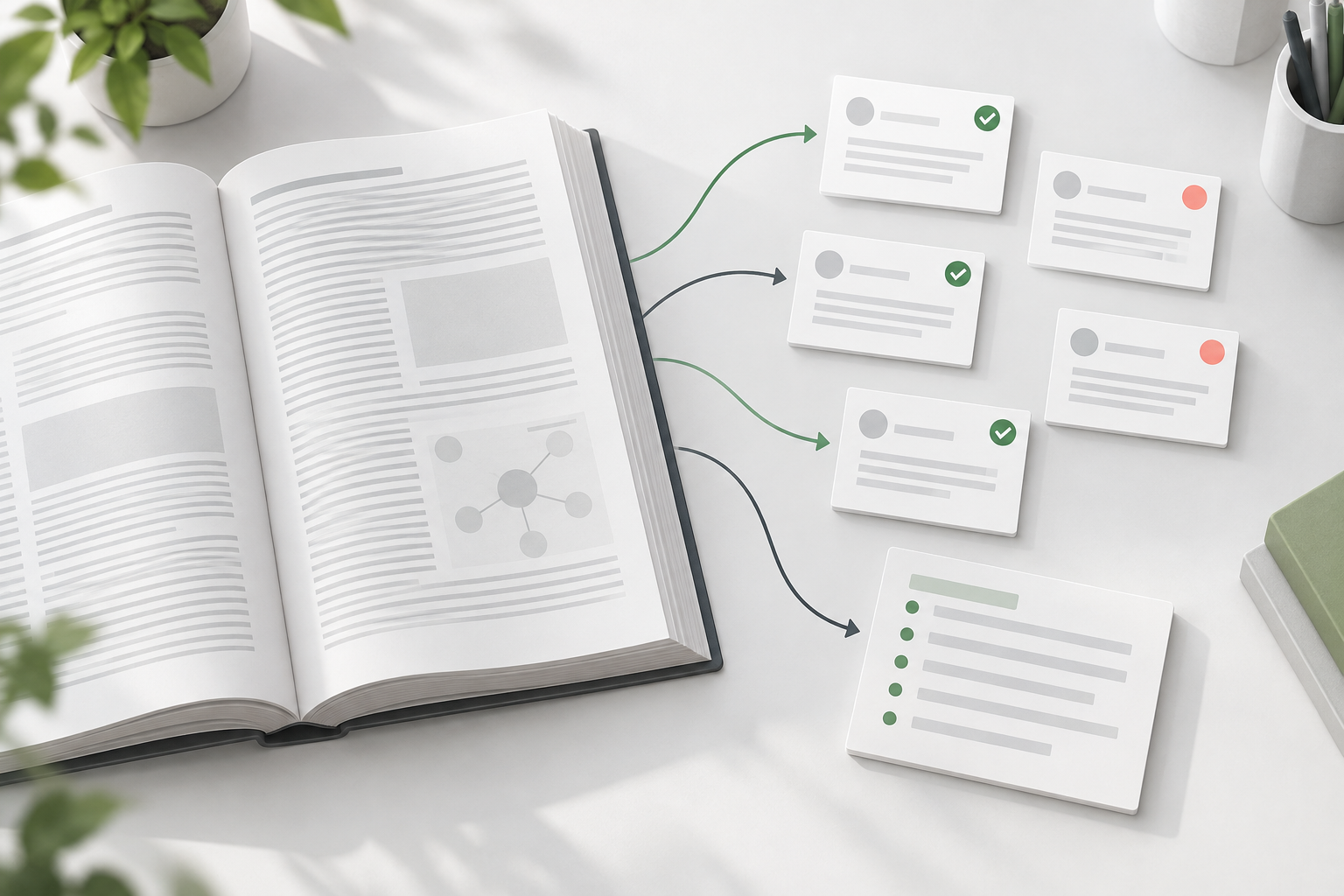
Skimming an AI summary creates an illusion of competence that vanishes during an exam or advisor meeting. Convert your verified chapter notes into structured comparison lists and active-recall flashcards.
Copy This Prompt (Step 4: Structured Comparison List & Active-Recall Flashcards)
Using only the document facts we have confirmed so far, turn this material into structured study and briefing notes without adding outside claims:
1. Concept & Method Comparison List: Create a structured item-by-item breakdown comparing the key concepts, models, or methods in the text using the format [Name | Definition/Method in Text | Use Case | Stated Pros & Cons].2. 5 Active-Recall Flashcards: Write 5 specific questions testing the core logic and easy-to-miss details of this document. Below each question, provide a concise answer and cite the exact section or paragraph where the answer appears.
3. 3-Minute Briefing Script: Write three factual, numbers-backed bullet points I can use to present this document's takeaway in a 3-minute lab meeting or team check-in.
Step 5: How to Prevent AI Hallucinations Before Citing a Paper
Before copying any extracted point into a literature review, thesis, or slide deck, run a strict verification pass comparing your draft notes against the source text.
Copy This Prompt (Step 5: Anti-Hallucination Citation Check)
Compare my draft notes below against the original document text we worked with, sentence by sentence. Flag any of the following issues:
1. Unstated Claims: Examples or background facts that do not appear in the original text;
2. Number Mismatches: Sample sizes, dates, or percentages that were altered or attached to the wrong finding;3. Overstated Certainty: Wording that turns tentative statements ("may," "correlates with," "in limited samples") into absolute causal claims;
4. Citation Confusion: Cited background literature mistaken for the author's own primary conclusion.
For every issue found, list [My Draft Sentence | What the Original Text Actually Says + Section | Suggested Fix].
My draft notes: [Paste your draft notes or citation paragraph]
Always verify direct quotes and critical statistics against the original PDF page yourself. AI cuts 90% of the time spent hunting through 100 pages, but final verification stays with you.
Frequently Asked Questions
How do I summarize a PDF that is too large for standard AI chat limits?
Either switch to a 1M-token context model on DataEyesAI (such as claude-sonnet-5-5 or gemini-4-argon) to read the entire document at once, or use the Step 1 triage method: send only the Table of Contents, Abstract, and Conclusion first, identify the 2–3 core chapters, and process those chapters individually.
How do I stop AI from making up citations or numbers when summarizing papers?
Never ask for an open-ended summary. Use a structured field prompt (like Step 2) that requires exact sample sizes, section citations, and explicit permission to write "Not mentioned in the text" when data is absent, followed by the Step 5 verification prompt.
Can DataEyesAI models read scanned PDFs or textbook photos?
Text-only models require selectable text layers. For scanned PDFs or page photos, either run OCR first or select a multimodal model on DataEyesAI (such as gemini-4-argon or claude-sonnet-5-5) that natively processes images and PDF charts.
You might also be interested

How to Make Viral AI Product Videos & Store Vlogs from 1 Photo (2026 Step-by-Step Guide)
Turn 1 product photo into viral e-commerce ads & POV store vlogs with DataEyesAI.

How a Brand Campaign Built Its Visual Pitch with GPT Image 2.5
DataEyesAI GPT Image 2.5 turns skincare ideas into campaign visuals.

How to Turn a Selfie into a Travel Photo Using DataEyesAI's Image Agent (With Prompts & Real Results)
Turn a single selfie into natural travel photos with ready-to-use AI prompts.


